Danaangi builds QR menus, price lists and web pages for cafés, restaurants, salons, studios, karaoke bars, gyms and shops in Đà Nẵng. A guest scans the code and it opens on their phone, nothing to install, nothing to download.
— Why we built this
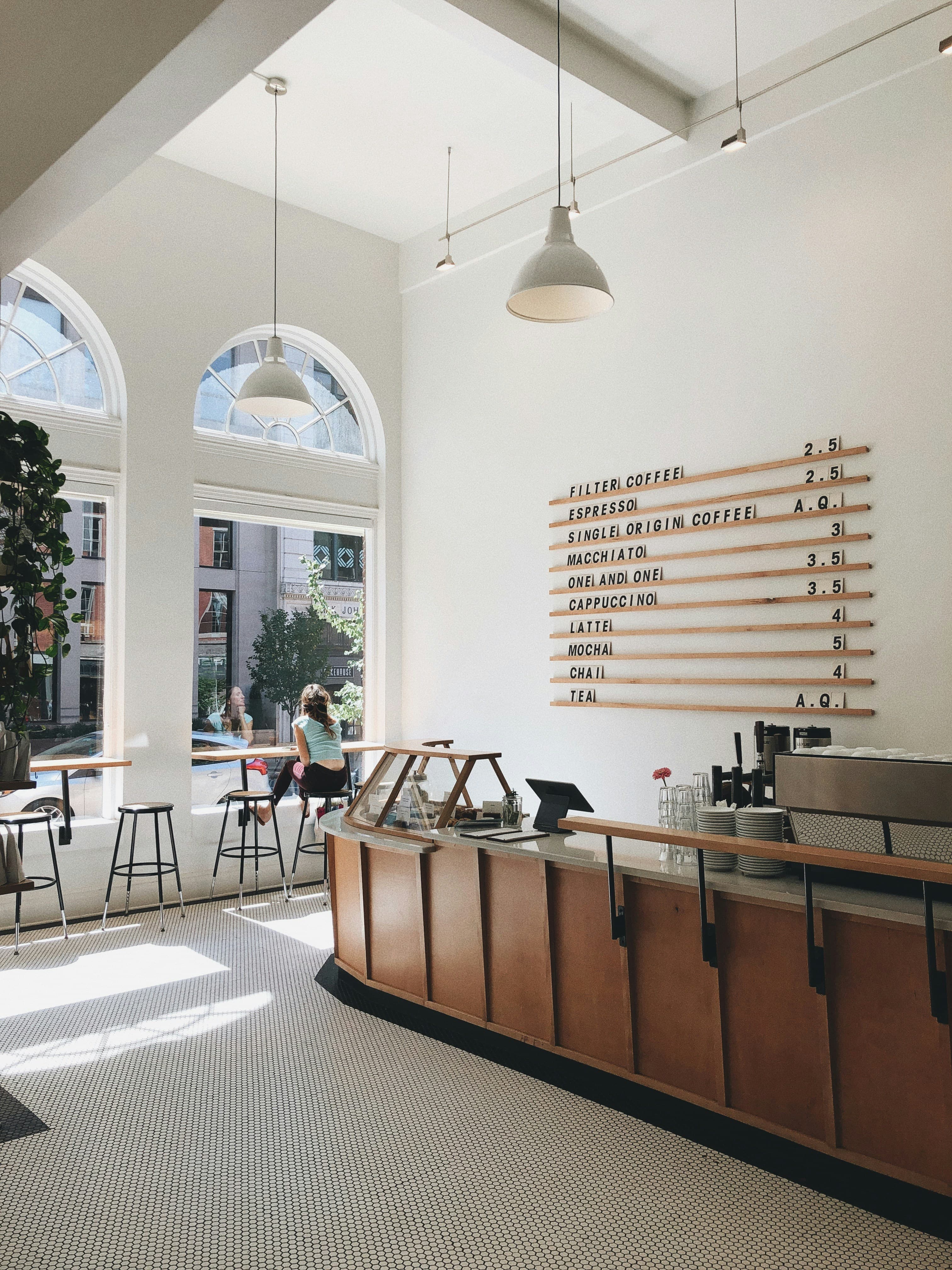
A torn paper menu has to be reprinted. Changing one price means reprinting the whole stack. A sold-out dish gets crossed out in biro. A visitor picks up a Vietnamese menu and points at what they hope is right. Small things, but they repeat every day, and software handles them.
- Languages for guests
- 5
- Vietnamese, English, Korean, Japanese and Chinese. How many you can use depends on your plan.
- To get started
- 0₫
- The Free plan is enough to create your venue and build a menu or price list before you decide to pay.
- QR code per venue
- 1
- Print it once. Change dishes, services or prices afterwards without reprinting.
— Features
What your venue gets
Works for
- Food & drink
- Beauty & wellness
- Photography
- Entertainment
- Sports & fitness
- Services
- Shopping
Food and drink venues get a menu. Salons, studios, karaoke bars, gyms and service businesses get a price list; shops get a product list.
QR menu or price list
Put the code on the table, by the till or on the door. Guests open their camera, scan, and read your menu or price list, no app required.
Your own page
Your venue gets a web address you can send in a message, post on Facebook or Zalo, or print on a card.
Edit from your phone
Change a price, add a dish or a service, hide what is unavailable, guests see it immediately. No reprinting, no phone calls.
Photos and options
Each dish or service carries a photo, price and description. Add options such as sizes, toppings or ice levels, each with its own price adjustment.
Import from Excel
Download the template, fill it in, upload it. No typing every item by hand. Included with the paid plans.
Post your news
New dishes or services, promotions, changed opening hours, publish and it appears on your page.
Multilingual menus and price lists
Menus and price lists can display in Vietnamese, English, Korean, Japanese and Chinese. How many languages depends on your plan.
See the numbers
See page visits, menu or price list views and QR scans for your shop, day by day.
— Process
How to start
Register your venue
Your name, address and phone number. It takes a few minutes.
Add your dishes or services
Type them in, or upload an Excel file on a paid plan. Add photos to the ones you want guests to see clearly.
Print the QR code
Download the code and put it on the tables, the counter or the door. From then on your menu or price list lives in your guests' pockets.

Try it first, decide after
Create your venue and build a menu or price list to see how your page looks before paying anything. Plans and what each one includes are on the pricing page.